Injection-site rotation reference
Why rotate injection sites
Repeated subcutaneous injections into the same patch of tissue are the main
cause of lipohypertrophy, the rubbery, thickened lumps of fat
and scar tissue that build up at overused sites. Beyond being visible and
uncomfortable, injecting into lipohypertrophic tissue changes how the drug is
absorbed, making the effect erratic. Systematic rotation, leaving each site
enough time to recover before it is used again, is the standard prevention, and
the reason structured rotation is recommended for insulin and other repeated
subcutaneous injections.
How the map works
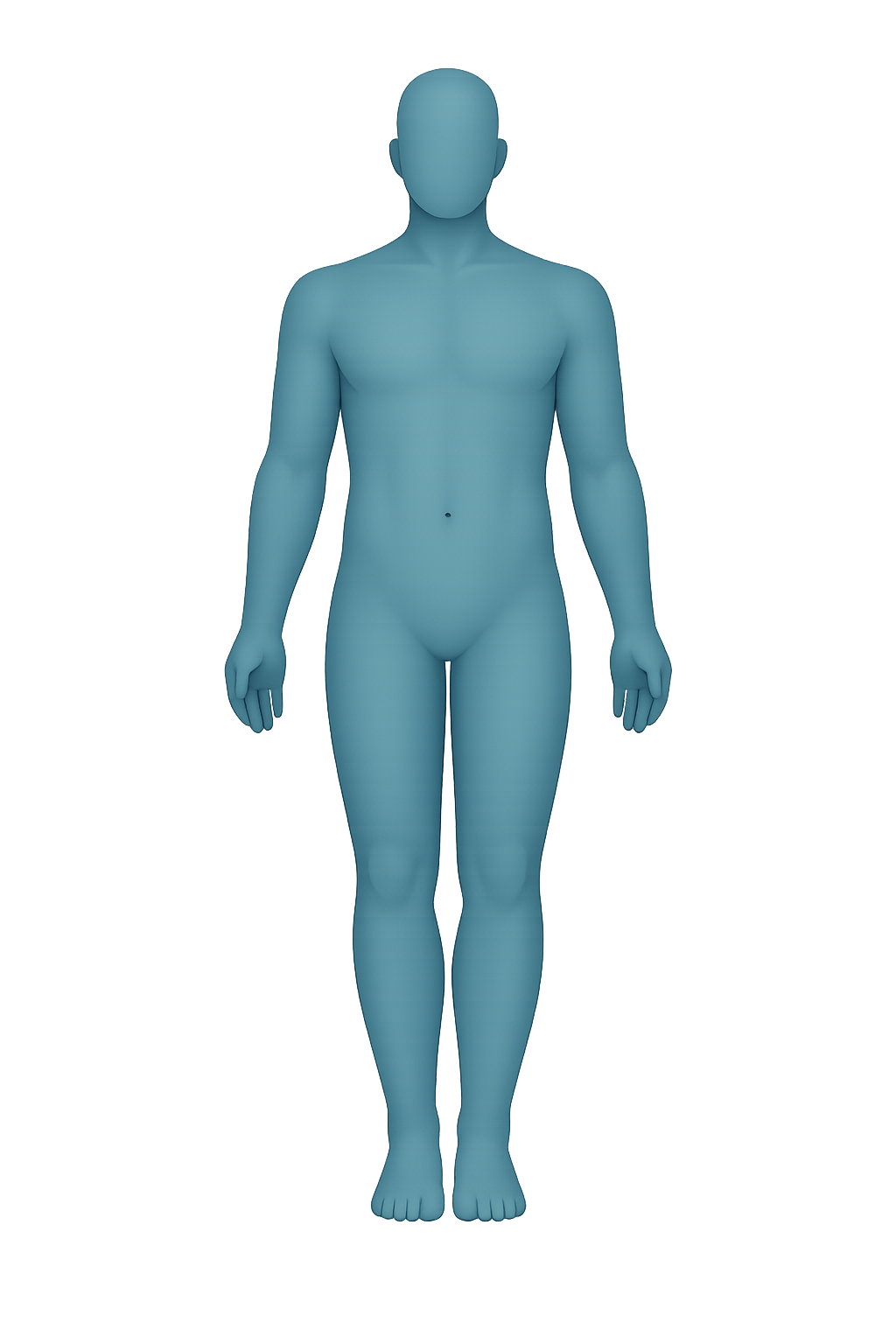
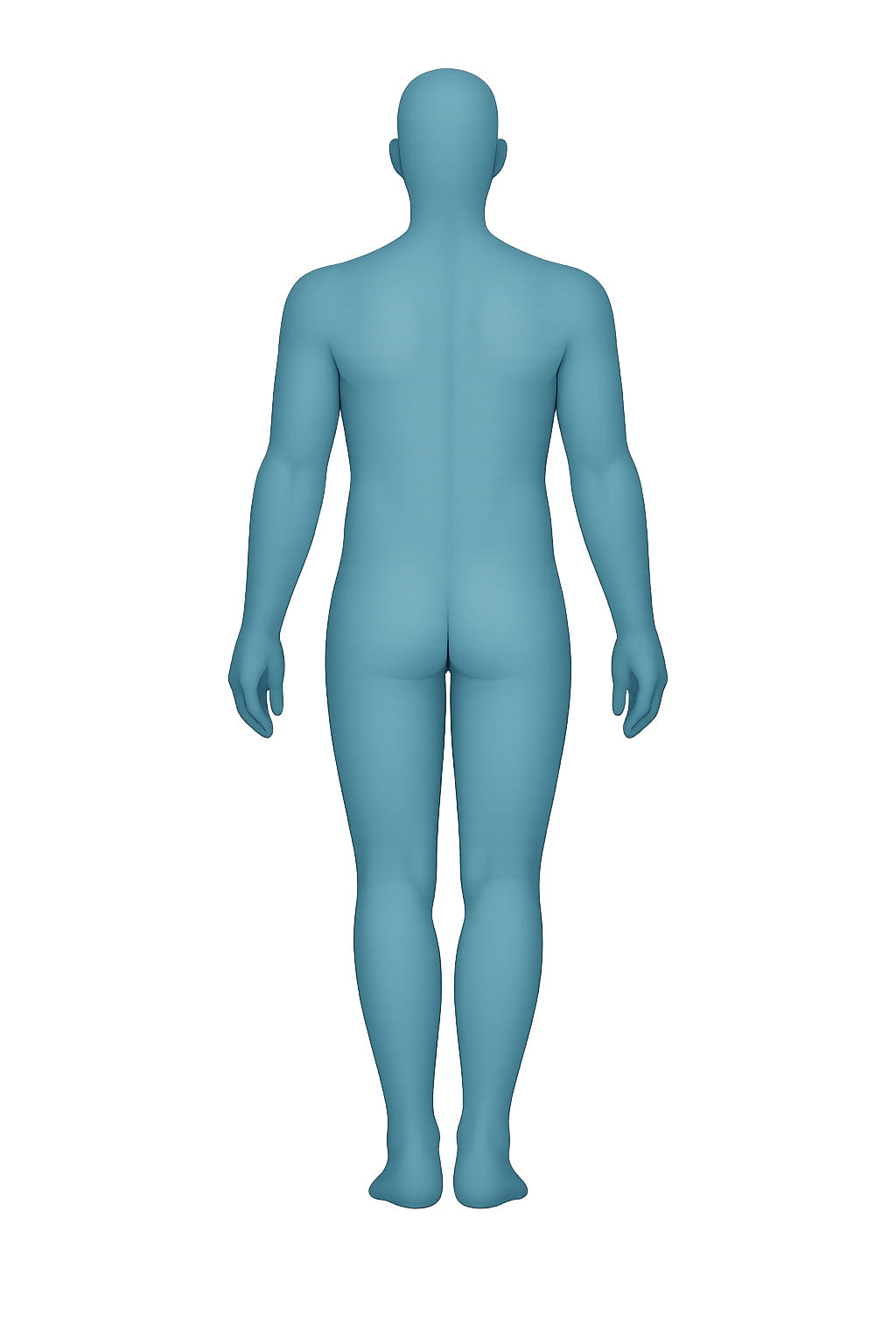
The figure shows the common subcutaneous self-injection zones on the front and
back of the body: the upper arms, the abdomen (kept clear of the area right
around the navel), the flanks and upper buttocks, and the thighs. The anterior
and posterior arm and thigh are different tissue, so they count as separate
sites in the rotation, sixteen in all. Each time you inject, tap that site; the
tool records today's date, resets that site's clock to zero, and recolors it.
What the colors mean
Every marker is shaded by how many whole days have passed since it was last
used, and the number on each marker is that day count. Green means the site is
at or past your recovery window and ready; blue means it is nearly there; amber
means it is still recovering; red means it was just used and should be avoided.
Because the meaning is also written in each marker's number and label, the map
does not rely on color alone.
Why about 14 days
The default recovery window is 14 days, a commonly cited
rest period for a subcutaneous site to recover before reuse. It is adjustable
between 7 and 21 days to match your own protocol and the density of your
rotation. The suggested next site is always the eligible site that has rested
the longest; if no site has cleared the window yet, the tool falls back to the
best-rested one and warns you that the rotation may be too small or too fast.
Cadence and cycle length
The cadence note does the simple arithmetic of how often your schedule returns
to any one site: the number of sites in the rotation times the days between
injections. If that cycle is shorter than the recovery window, the tool warns
you, because it means tissue is being reused before it has fully rested. Adding
sites or spacing injections further apart lengthens the cycle.
Data handling and privacy
Everything is computed and stored in your browser using local storage; nothing
is sent to a server as you use the map. A reload restores your colored map
exactly. Export your history as JSON or CSV for a backup, or build a share link
to move it to another device. Creating a share link is the only action that
sends anything off your device: the rotation state is saved under a short code
so the link stays compact, and it happens only when you click Share.
Scope & safety
PepRecon is a research and education resource. This tool tracks where you have
injected; it is not medical advice and does not establish a dosing or technique
recommendation. Standard subcutaneous zones are shown for reference only; the
safe sites and technique for your situation should come from a qualified
clinician.
Related tools